The operating system

A CRM for small businesses, set up and run for you.

Keep calls, texts, forms, appointments, and follow-up together. We configure your CRM around how your business works, so you can see who needs an answer and what happens next.

Sample workspace · live demo
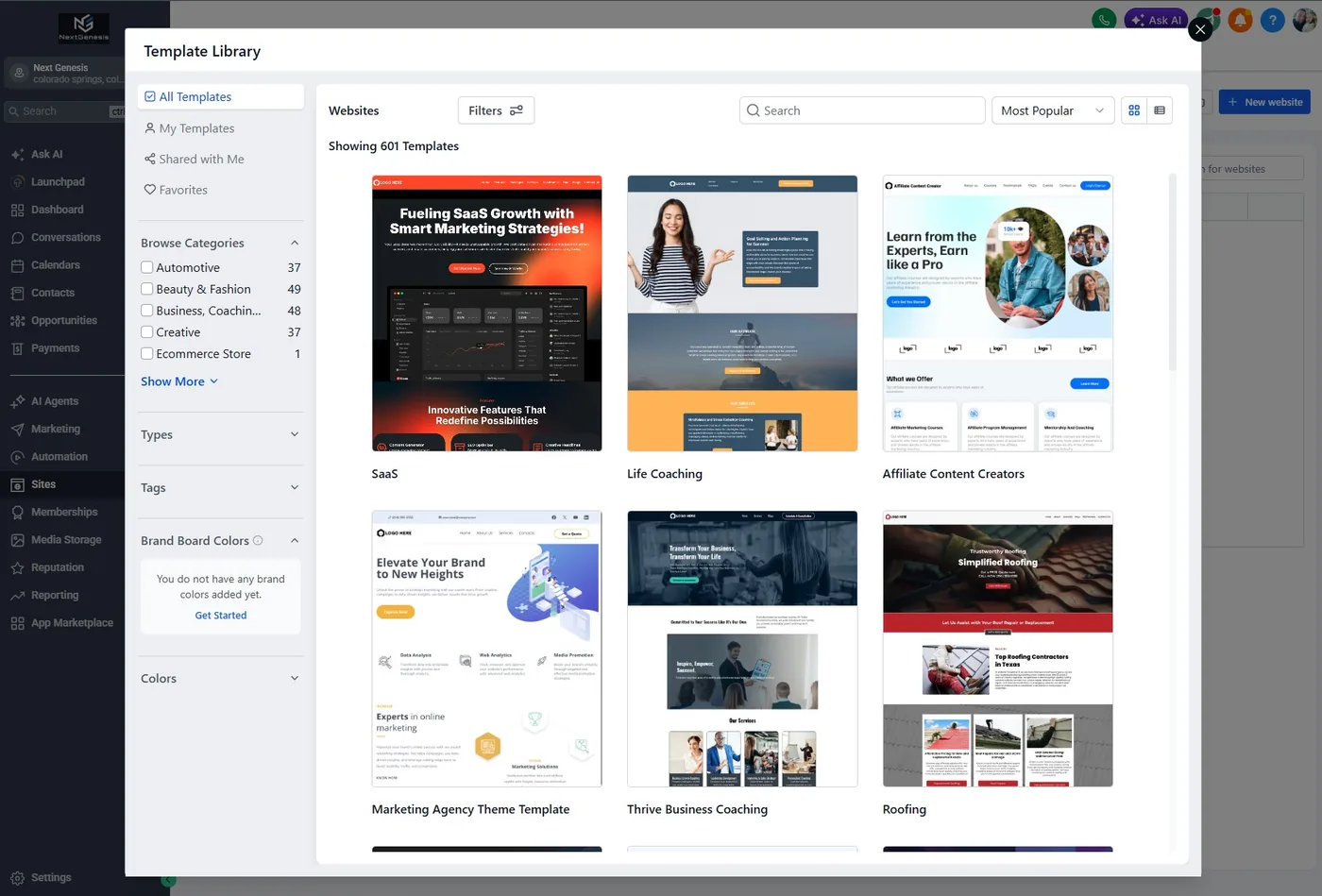
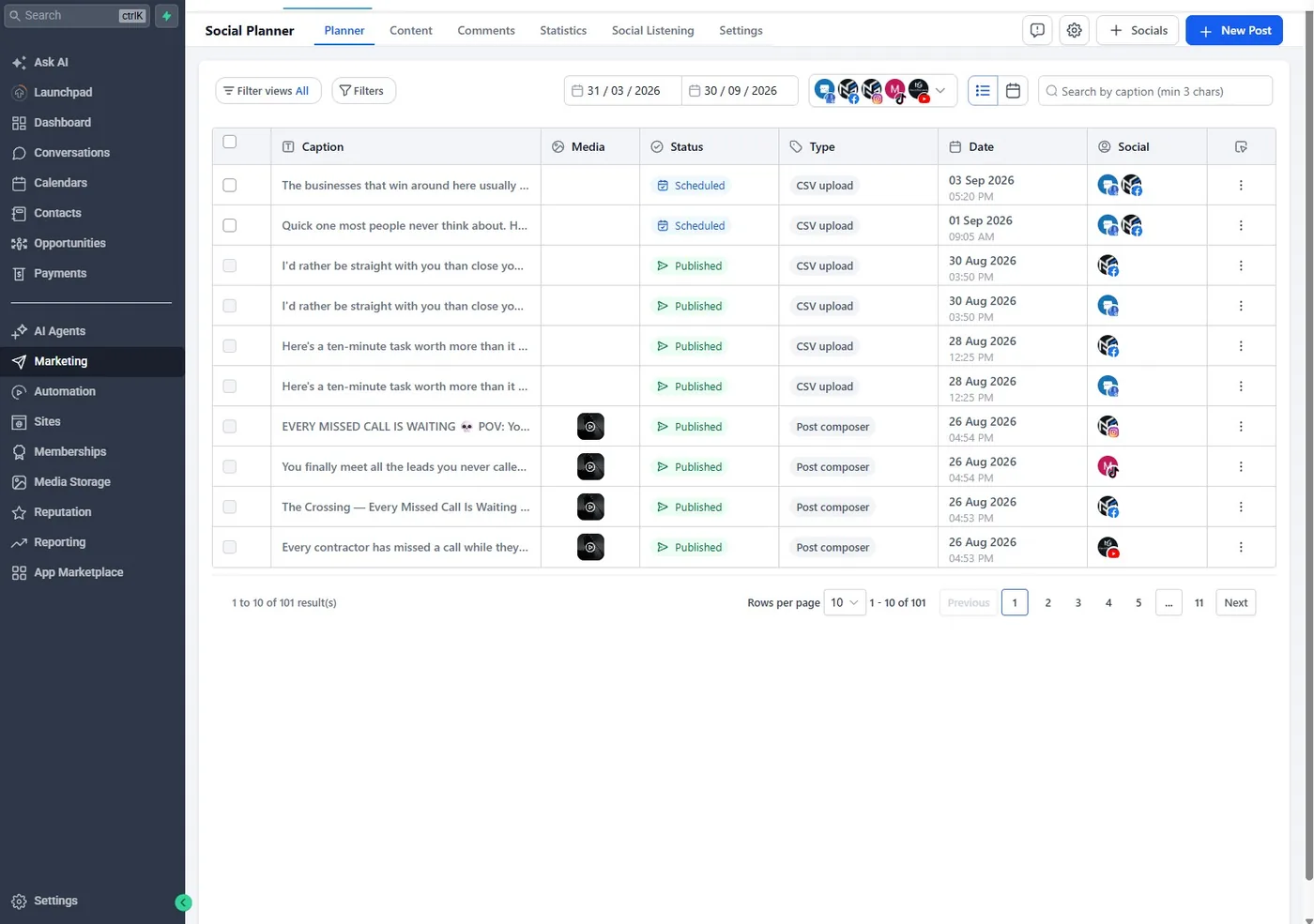
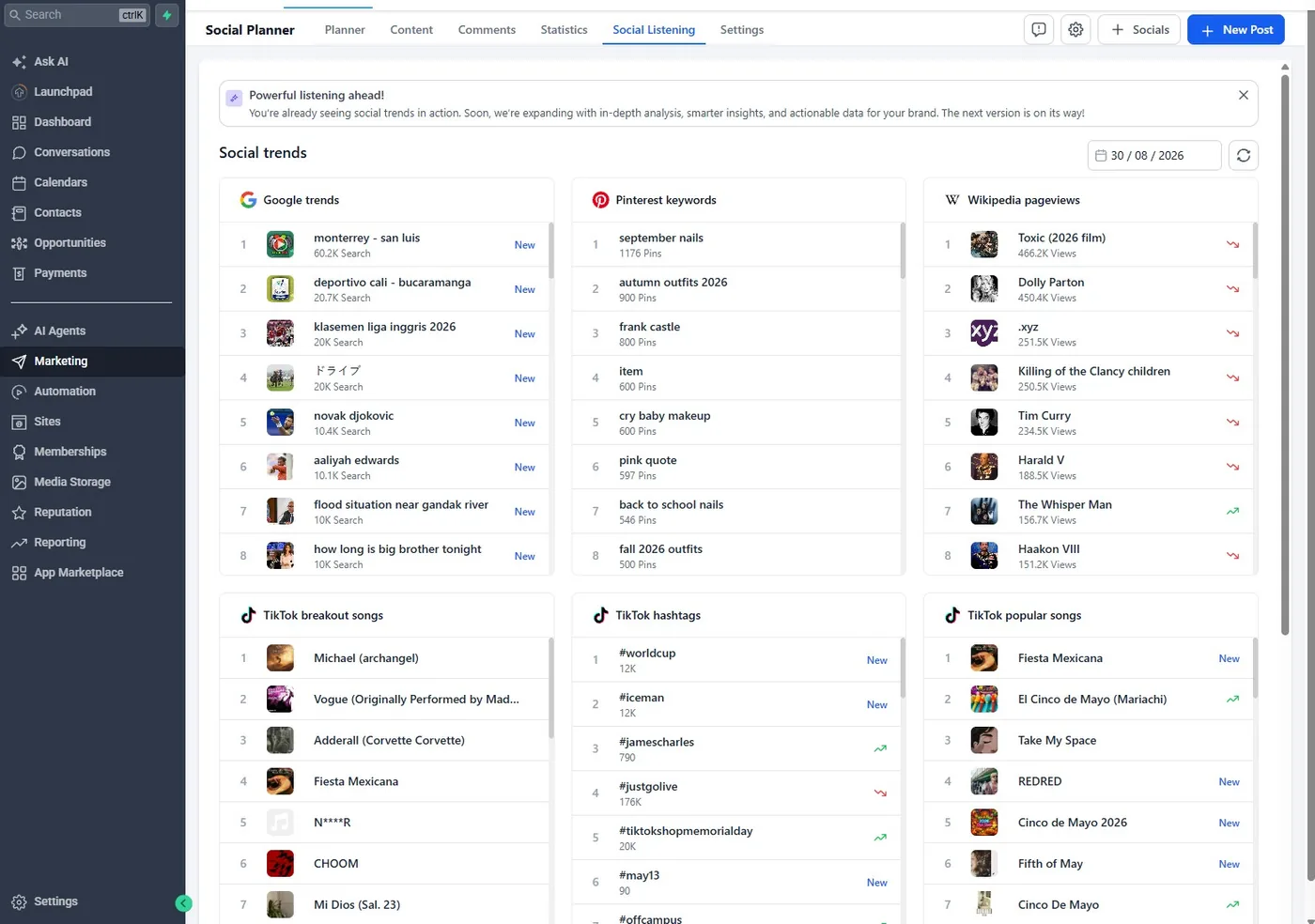
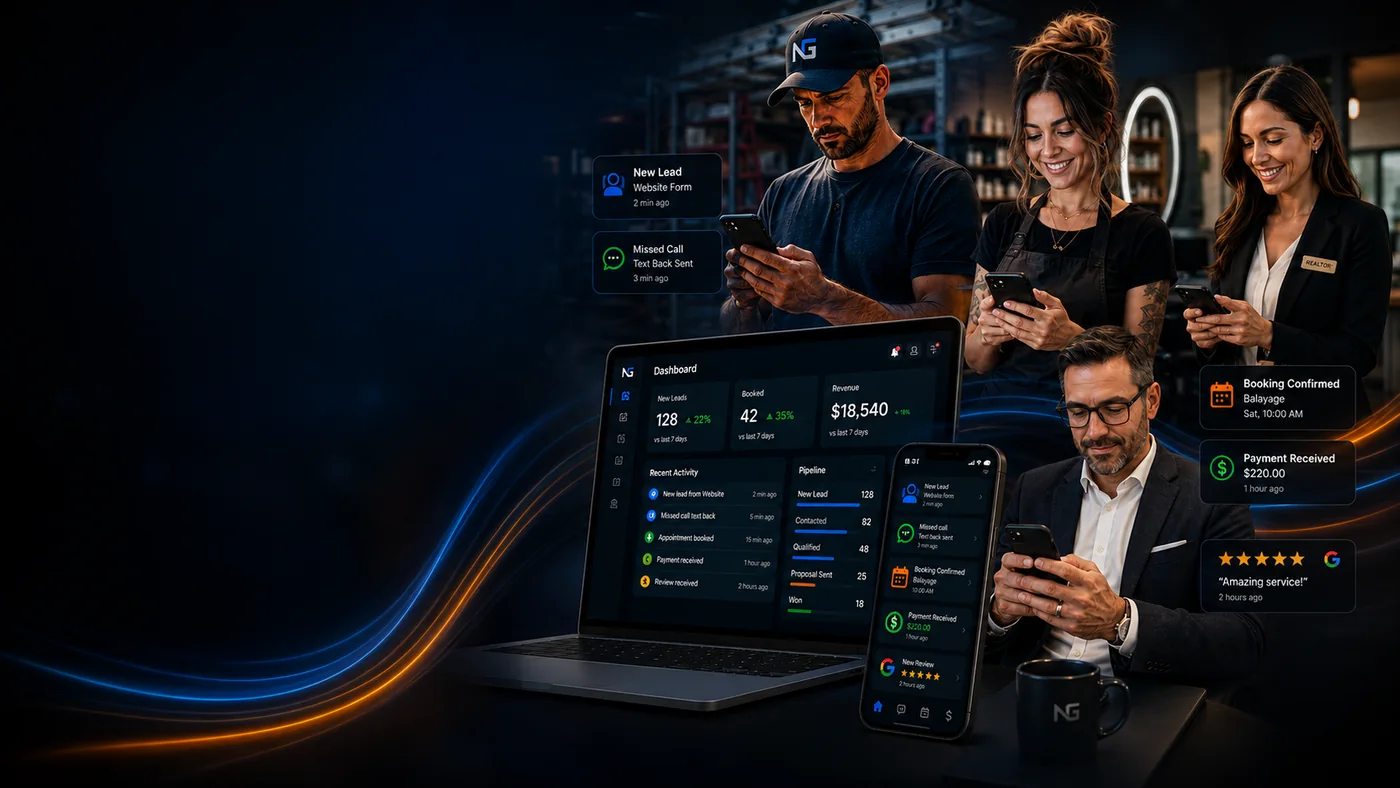
The connected Next Genesis Sites business growth system across desktop and mobile
Loading the live workspace

Send a lead in, move the deal along with the arrows, and answer as the customer. Everything here is sample data.

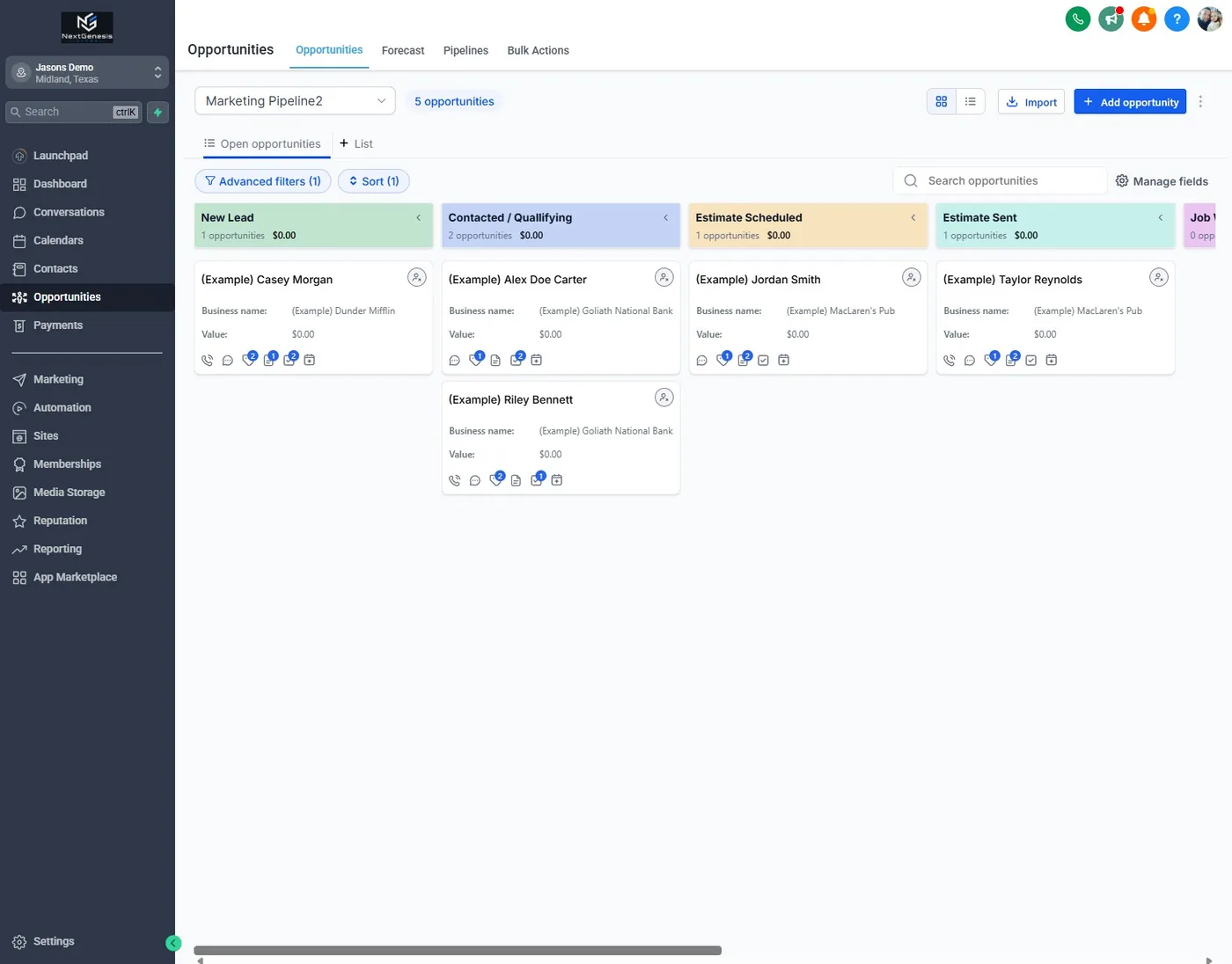
  • Every new opportunity enters one visible pipeline
  • Calls, texts, email, forms, estimates, and appointments stay with the contact
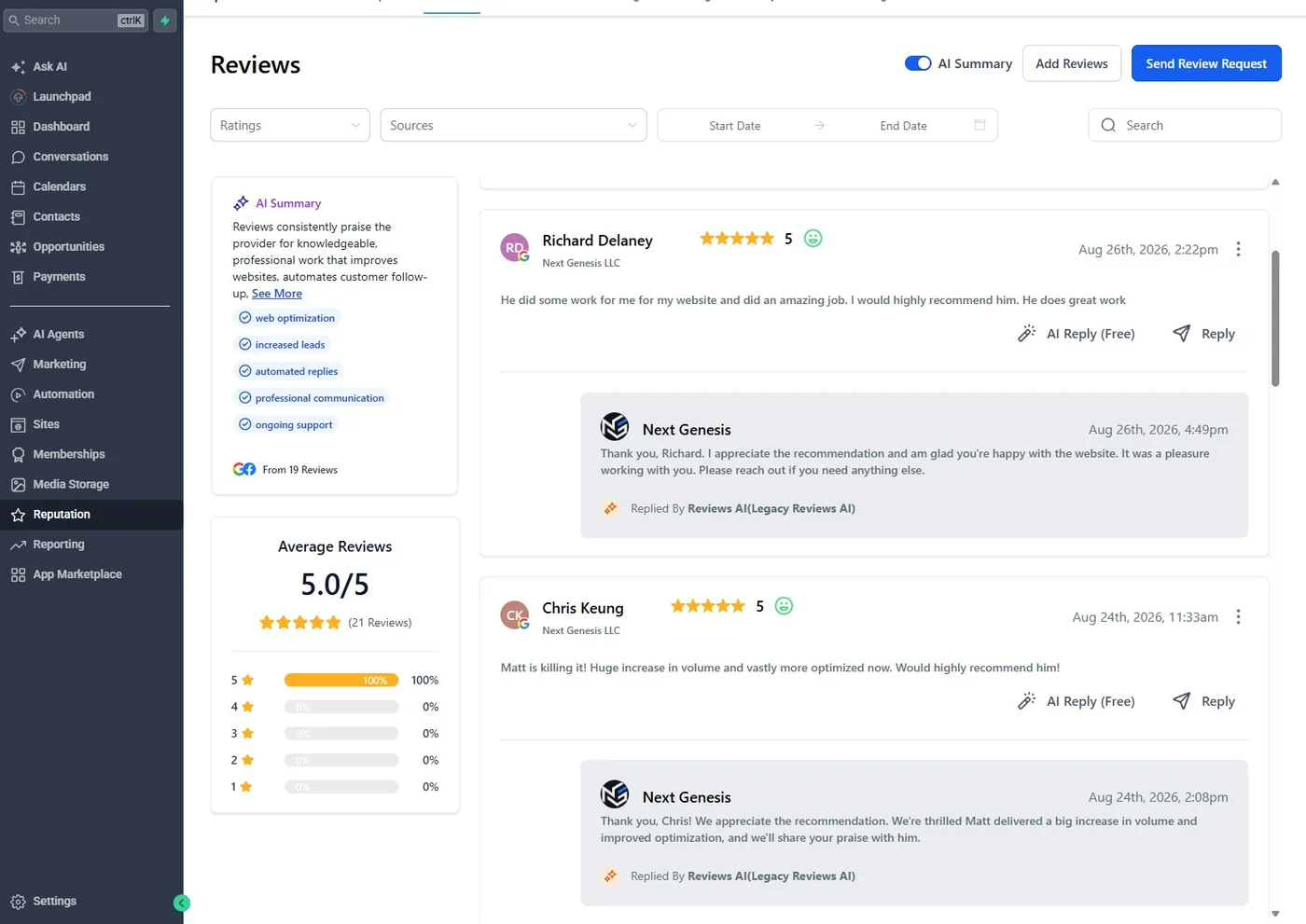
  • Review requests and replies are part of the customer workflow
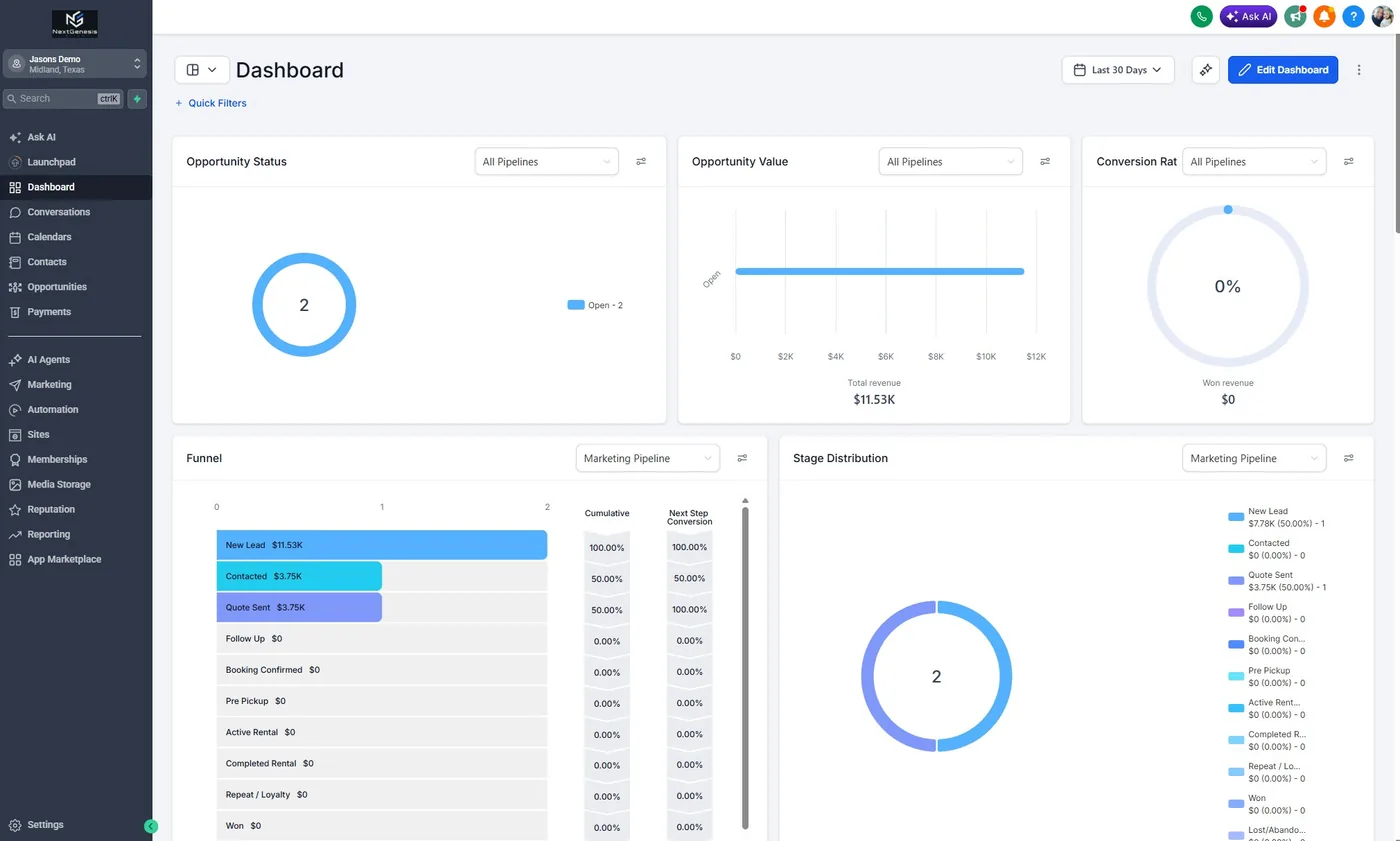
  • Dashboards, templates, social planning, and reporting share the same source of truth

What does CRM actually mean?

CRM means customer relationship management. Think of it as a shared customer record with a next step attached.

Keep contact details, notes, conversations, and opportunities together. Instead of asking where a lead went, you can see whether it needs a callback, an estimate, a booking, or a follow-up.

Why use a CRM instead of pen and paper?

Paper can work when the workload is small. It cannot remind your team or share the latest conversation automatically.

A CRM becomes useful when notes live in different trucks, someone forgets a callback, or two people follow up on the same estimate. It gives the team one place to check before contacting the customer.

Can it remind me and my team about upcoming jobs?

Yes. Configured workflows can assign tasks and send internal notifications around an appointment or a pipeline change.

The trigger, timing, and recipient need to match how you work. A scheduling reminder is different from a full crew-dispatch system; we agree on the workflow before connecting it.

Can review requests go out automatically?

Yes. A completed-job step can trigger an honest review request instead of relying on someone to remember.

Business Foundation includes the review request engine and automated replies. Timing and message delivery need configuration; SMS use depends on the messaging setup. Ask customers consistently, without incentives or filtering out unhappy customers.

Can I connect phone calls and credit card payments?

Yes. The Next Genesis CRM connects phone service and card payments, with availability depending on the setup.

Supported providers can handle invoices and payment links. Dedicated phone integration, AI calling, and SMS features start with AI Growth in our plans. Provider approvals, processing charges, and additional phone or messaging usage are separate considerations.

Can it work with the tools I already use?

Often, yes. We check the exact tool and the information that needs to move before promising an integration.

Calendar connections, supported apps, and workflow integrations can reduce duplicate entry. Custom connections may need extra work. Your records remain yours; exports, licensed CRM access, and a transition follow the service terms.

Is there a CRM for cleaning businesses?

Yes. The same CRM is set up around how a cleaning company books work: quote requests, recurring visits, reminders, and a review request after the job.

House cleaning, janitorial, and commercial cleaning companies tend to lose work the same way. A quote request comes in while the crew is on a job, and nobody answers until that night. We connect your website form, phone, and texts to one pipeline, so every request gets a reply and a next step.

Can it handle recurring cleans and reminders?

Yes. Recurring appointments live on the calendar, and automated reminders can go out before each visit.

We set the reminder timing, the wording, and whether it goes by text or email with you. Text messages depend on the messaging setup in your plan. When a customer reschedules, the conversation stays on their record, so whoever answers next can see it.

What about janitorial and commercial cleaning accounts?

Commercial accounts move through a pipeline: walkthrough, proposal, signed, then the recurring service.

Estimates and invoices can go out from the CRM, and payment links work with supported providers. Notes from the walkthrough stay with the account, so the proposal matches what you saw on site and the crew knows what was promised.

Common questions

More questions owners ask

What is the best CRM for general contractors?

The one your crew will keep up to date. Look for a single place that holds calls, texts, form leads, estimates and appointments, with follow-up that runs on its own. Plenty of contractor CRMs can do this, and the bigger difference is usually the setup. We configure our CRM around your stages and wording, connect your website forms to it and manage it for you.

Is there a 100% free CRM?

Yes, several CRMs have free tiers, and they can be enough for one person with a short contact list. Automation, business texting, phone connections and extra users are usually where the paid features start, and someone still has to set it all up. With us, the CRM comes in every plan, configured and maintained for you, and any plan can start with a 7-day free trial.

View plans & pricing

Will AI replace the CRM?

AI is more likely to run inside a CRM than replace it, because it needs a record of who called, what was quoted and what happens next. On our AI Growth and higher plans, AI answers website chats and texts and the AI receptionist can book appointments, and those conversations are kept in the CRM with the customer's record.

AI receptionist and missed-call text back
Connected growth plans

Find the plan that fits your business.

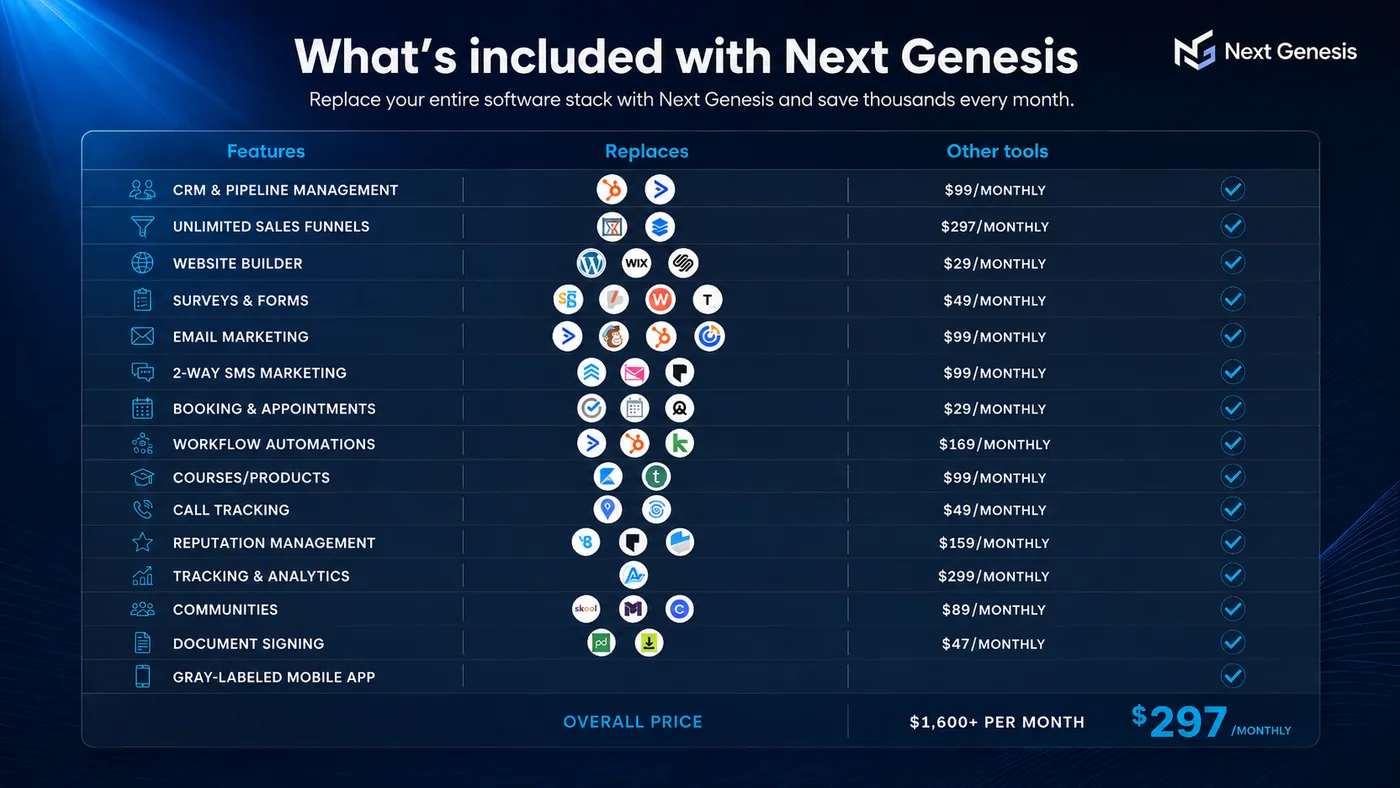
Our plans connect your website, Google presence and CRM, with AI communication, content and advertising available as you grow. See Pricing for the features included in each plan.

Secure checkout

Start your Business Growth System

Loading secure checkout