
The short answer
Usually one of three things is going on: Google hasn't found or indexed the page yet, something on the site is blocking it, or the page is indexed but ranks too far back to see. Search Console tells you which. Search Google for site:yourdomain.com, then run the page through URL Inspection in Search Console. According to Google, a new site or new changes can take a few weeks to show up.
Step 1: Check whether Google has your site at all
Type site:yourdomain.com into Google, using your real domain. If your pages come up, Google has at least some of them. Google notes that this search doesn't always list every indexed page, so treat it as a quick check.
If nothing comes up, or the site just launched, give it time. Google says it can take a few weeks to notice a new site or changes to an existing one. If it has been months, keep going.
Step 2: Set up Google Search Console
Search Console is Google's free tool for site owners, and you can't diagnose this properly without it. Verify your domain, submit your sitemap (usually yourdomain.com/sitemap.xml) and give it a few days to collect data.
While you're there, set up Bing Webmaster Tools too. Bing is a second search engine worth showing up in, and it can import your sites from Search Console so you don't have to verify them again.
Step 3: Inspect the page
Paste the page's address into the URL Inspection bar at the top of Search Console. It tells you whether the page is on Google, when Google last crawled it, which version Google chose as the main one (the canonical) and whether something blocked it. You can also test the live page and look at what Google rendered.
Once the page is fixed and ready, you can request indexing from the same screen. Google says requesting a crawl doesn't guarantee the page will be included, and asking again and again won't get it crawled any faster. Ask once.
What "Discovered - currently not indexed" means
Google knows the page exists but hasn't crawled it yet. Google's help page on the indexing report says it rescheduled the crawl because crawling right then was expected to overload the site.
We've had pages on our own site sit in this state for weeks. On a small site, my read is that Google hasn't been given enough reason to spend time on the page yet. What I'd do:
- Link to the page from your homepage or main menu, and from related pages, with words that describe it
- Make sure the page is in your sitemap
- Check that the page has real content of its own and isn't a near copy of another page
- Give it a few weeks, then inspect it again
What "Crawled - currently not indexed" means
Google visited the page and decided not to add it, at least for now. Its help page says the page may or may not be indexed in the future, and that there's no need to resubmit it.
In my experience this is usually about quality or duplication. Ask yourself:
- Does the page say something no other page on your site says?
- Is it thin, like a service name with two sentences under it?
- Is it one of a set of pages where only the town name changes?
- Would a customer learn something from it?
Fixing a page Google skipped
Pages where only the town name changes are what Google's spam policies call doorway abuse, and they can hurt more than the one page. Rewrite the page so it earns its place, then request indexing once.
Some addresses never belong in search results anyway, like a sitemap file or a page you retired and redirected. If those show up in this report, leave them alone.
Indexed, but nowhere to be found
If URL Inspection says the page is on Google but you can't find it, that's a ranking problem. The Performance report in Search Console shows the searches you appear for, your average position and how many people clicked. Plenty of sites, ours included, show up for far more searches than they get clicks from.
For a local service business, these are the things that move rankings:
- A page for each service, written around what customers search for
- One H1, a clear title and a meta description on every page
- Schema that matches what the page shows
- Links between related pages, and links from other sites
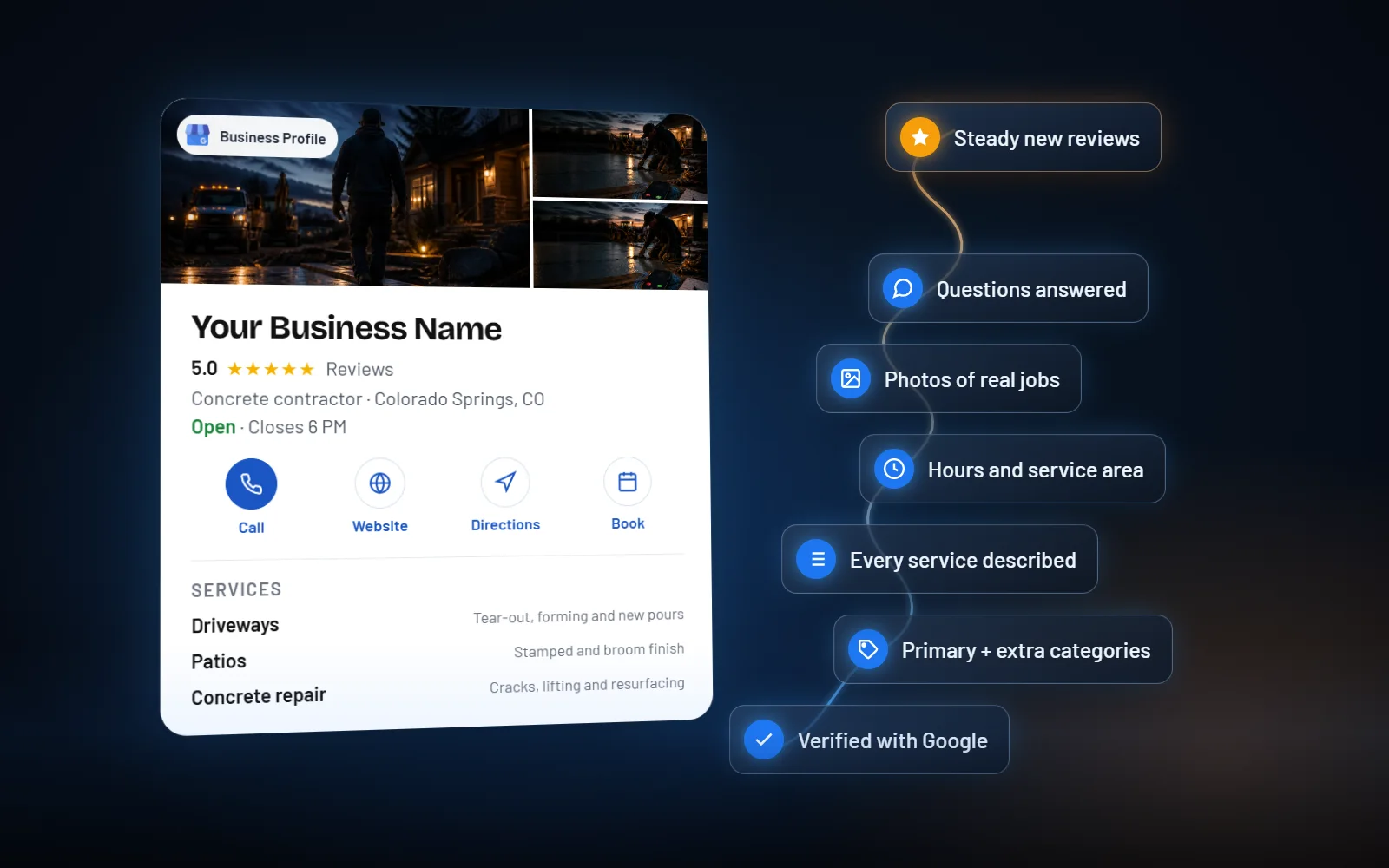
- A complete, active Google Business Profile with steady reviews
Your Google Business Profile is part of this
If you're a local business, a lot of searches show the map before the regular results. Google ranks those results mainly on relevance, distance and prominence, and your profile and website both feed into that. I wrote about why a Google Business Profile alone isn't enough.
If your site was built with an AI builder
The old problem of Google seeing a blank page is mostly solved on the big AI builders. As of October 2026, Lovable uses server-side rendering for new apps and Base44 serves crawlers a rendered version of each page. Run the same checks above. If URL Inspection shows the page as indexed but the rendered page is missing your content, look closer. I go through what AI-built sites need to rank in a separate article.
Common blockers to rule out
These are quick to check and easy to miss, especially after a redesign:
- A noindex tag left on from when the site was being built
- A robots.txt file that blocks the pages
- The site living on a builder's free subdomain instead of your own domain
- Pages behind a login, or important text that only exists inside images or video
- Several versions of the site (with and without www, http and https) that don't redirect to one
Questions people ask
How long does it take for a new website to show up on Google?
Google says it can take a few weeks to notice a new site or changes to an existing one. Nobody can give you a fixed date. Submitting a sitemap in Search Console and linking new pages from pages Google already knows helps it find them.
Should I keep requesting indexing in Search Console?
Once is enough after you've published or fixed the page. Google says requesting a crawl doesn't guarantee inclusion, and requesting it multiple times for the same page won't get it crawled any faster.
What does "Discovered - currently not indexed" mean?
Google found the page but hasn't crawled it yet. Linking to it from important pages, keeping it in your sitemap and making sure it has content of its own give Google a reason to come back for it.
What does "Crawled - currently not indexed" mean?
Google crawled the page and chose not to index it for now. It may be indexed later. Improving what the page offers usually does more than resubmitting it, and Google says there's no need to resubmit.
Can I pay Google to show my website higher?
You can run Google Ads, which appear as sponsored results. For the map results, Google says there's no way to request or pay for a better local ranking.